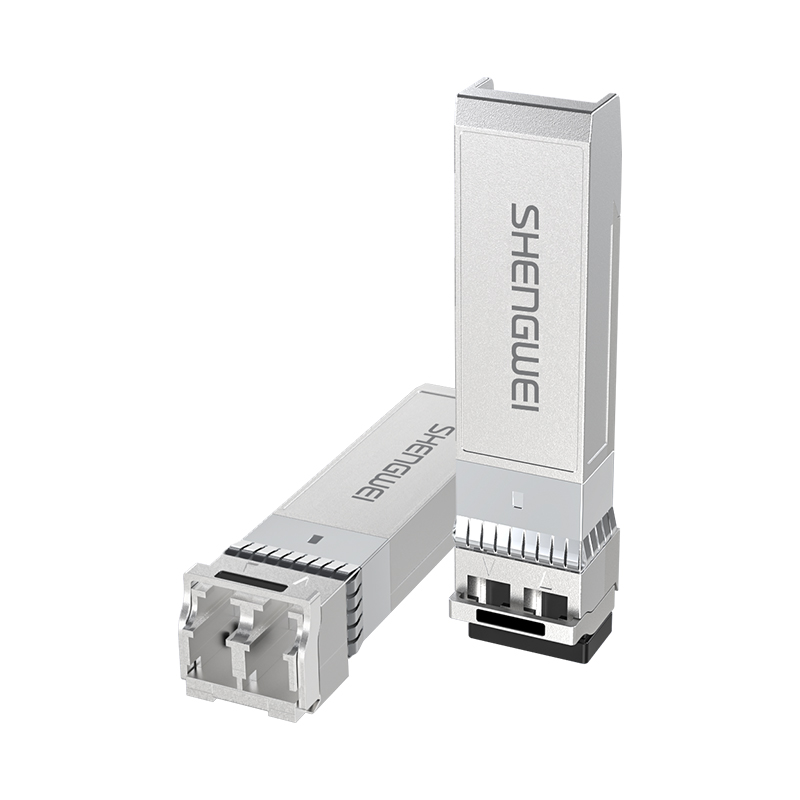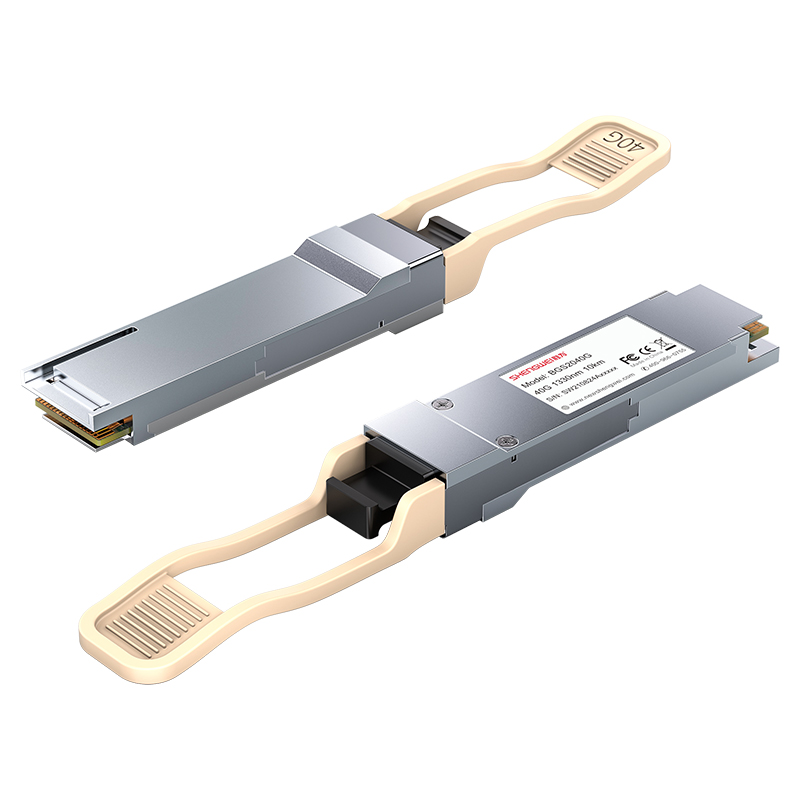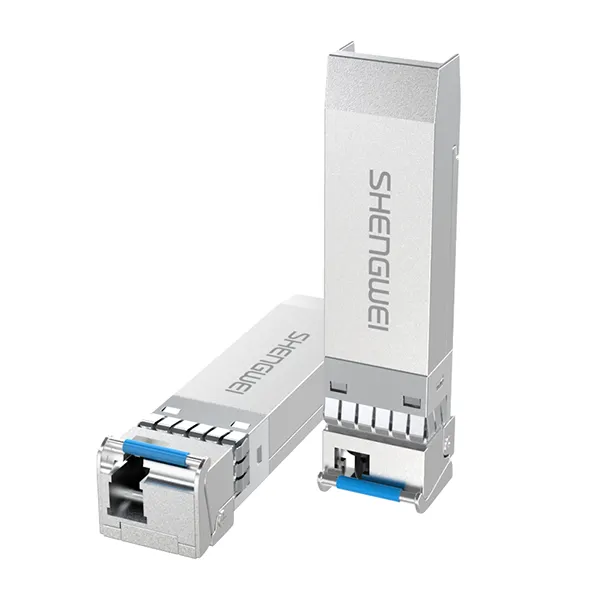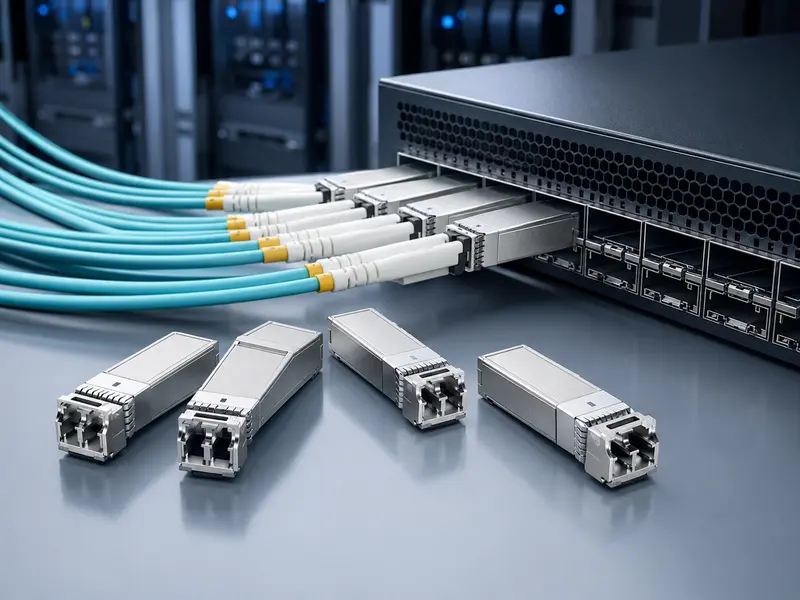
An SFP module gives a switch, router, server, media converter, or optical line terminal a removable network interface. Instead of replacing an entire device when the cabling medium or link distance changes, you can select a transceiver that matches the port and the application. That flexibility is valuable, but it also creates a detailed compatibility problem: the module, host port, transmission standard, fiber, connector, wavelength, and module at the far end must all work together.
This guide explains the main SFP selection criteria for enterprise networks, data centers, ISP access networks, industrial links, and telecom projects. It also provides a practical checklist that engineers and procurement teams can use before ordering.
What Is an SFP Module?
SFP stands for Small Form-factor Pluggable. An SFP transceiver is a compact, field-replaceable module that converts the electrical signal in a host device into an optical or copper signal, and converts the received signal back again. Because the module is pluggable, one equipment platform can support different media and reach requirements across its ports.
The term “SFP” is sometimes used loosely for several related form factors. In purchasing documents, however, the exact form factor matters. A conventional SFP is commonly associated with Gigabit-class links, while SFP+ is widely used for 10 Gigabit Ethernet and SFP28 for 25 Gigabit Ethernet. These modules can look similar, but physical fit alone does not prove electrical or protocol compatibility. Always check the host equipment documentation for the supported form factor, data rate, standards, power class, and firmware requirements.
Many optical modules also support digital diagnostics, often called DDM or DOM. The management interface can expose values such as module temperature, supply voltage, laser bias current, transmit optical power, and receive optical power. The industry-standard management-interface specification for SFP+ modules is SFF-8472, maintained by the SNIA SFF Technology Affiliate. Diagnostic support is useful for commissioning and troubleshooting, but buyers should confirm which measurements and alarm thresholds a specific module and host platform expose.
SFP vs SFP+ vs SFP28: Start with Port Speed
The first selection question is not wavelength or distance. It is the capability of the host port. Read the switch, router, network adapter, or media-converter data sheet and identify the exact port type and supported speeds. Never assume that a higher-speed module will automatically negotiate down in a lower-speed port, or that a lower-speed module will work in a higher-speed cage.
| Form factor | Common Ethernet use | Typical decision point |
|---|---|---|
| SFP | Gigabit-class access and uplink connections | Confirm the port supports the required Gigabit Ethernet standard and media type. |
| SFP+ | 10 Gigabit Ethernet | Confirm 10GbE support, the required optical interface, and the host’s approved or compatible coding. |
| SFP28 | 25 Gigabit Ethernet | Confirm 25GbE operation, forward-error-correction requirements, and platform support. |
For mixed-speed networks, verify each port individually. Some platforms support multiple speeds on one cage only when the administrator changes the port mode. Others restrict particular ports or line cards to specific module families. A reliable bill of materials should record the exact equipment vendor, chassis, line card, port, operating system version, and required link speed.
Seven Factors That Determine the Right SFP Module
Host-device compatibility
Start with the equipment manufacturer’s transceiver support matrix. Some hosts accept standards-based generic modules, while others check identification data stored in the module and may display an unsupported-transceiver warning. When ordering a compatible optical transceiver, provide the full switch or router model and, where relevant, the software version. “Cisco-compatible” or “Huawei-compatible” alone may be too broad for a complex installed base.
Data rate and Ethernet standard
Match both ends to the same intended link standard. A module’s marketing speed is not a substitute for the complete interface specification. Check the nominal data rate, protocol, encoding expectations, and any host configuration requirements. This is especially important when the same form factor is offered for Ethernet, Fibre Channel, or other transport applications.
Fiber type
Determine whether the installed cable is single-mode fiber or multimode fiber. Short-reach optical interfaces often use multimode fiber, while longer links commonly use single-mode fiber, but the exact supported reach depends on the interface standard, fiber grade, connector loss, splices, and total optical budget. Record the cable type rather than relying only on jacket color, because legacy cabling, custom patch cords, and field labeling can be inconsistent.
Wavelength and optical interface
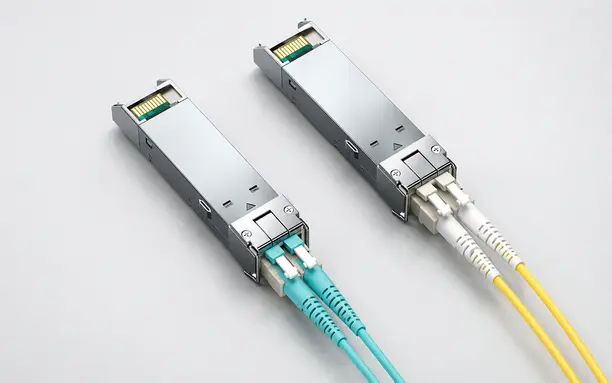
Two modules must be optically compatible, not merely the same speed. Standard duplex links normally require matching interface types at both ends. BiDi modules are different: they transmit and receive on separate wavelengths over one fiber and must be purchased as a complementary pair. For example, the transmit wavelength of one endpoint must match the receive wavelength of the other. Never install two identical BiDi endpoints unless the product documentation explicitly defines them as a valid pair.
Required reach and optical budget
Measure or document the actual route length, then account for patch panels, adapters, connectors, splices, splitters, and an engineering margin. The stated maximum distance on a product page assumes defined link conditions; it is not a guarantee for every cable plant. Compare the transmitter output and receiver sensitivity limits from the data sheets to the calculated channel loss. For very short links using high-output long-reach optics, also check whether receiver overload or an attenuator needs consideration.
Connector and fiber count
LC duplex is common on many SFP optical modules, while BiDi products commonly use a simplex LC interface. Copper SFP variants may use an RJ45 interface. Confirm the connector polish and patch-cord construction as well as the connector shape. UPC and APC interfaces should not be mated together, and a duplex module requires the transmit and receive fibers to be routed with the correct polarity.
Operating environment and diagnostics
A climate-controlled data center and an outdoor industrial cabinet do not impose the same requirements. Check the rated operating temperature, storage temperature, humidity limits, airflow assumptions, power consumption, and electromagnetic environment for the exact part number. If remote maintenance matters, specify DDM/DOM support and verify that the host can display the diagnostic data.
Common SFP Module Types and Applications
| Application | Selection focus | Common risk to avoid |
|---|---|---|
| Enterprise switch uplink | Port speed, switch coding, fiber type, and building-to-building distance | Ordering a module that fits physically but is rejected by the switch |
| Data-center access or aggregation | High port density, multimode or single-mode interface, power, and airflow | Ignoring cable grade, polarity, or thermal limits |
| ISP or metro access | Reach, optical budget, DDM, field replaceability, and vendor compatibility | Using catalog distance without calculating channel loss |
| Single-fiber expansion | Complementary BiDi wavelengths and simplex-fiber availability | Installing two modules with the same transmit and receive wavelength pair |
| Industrial Ethernet | Temperature range, enclosure conditions, vibration, and equipment support | Using a commercial-temperature module outside its rated environment |
A Practical SFP Module Selection Checklist
Send the following information to your supplier before requesting a quotation or sample:
- Host equipment: manufacturer, model, line card, port type, and software version.
- Required service: protocol and target data rate.
- Both endpoints: equipment and module requirements at each end of the link.
- Cable plant: single-mode or multimode fiber, fiber grade, connector type, and available fiber count.
- Route: measured distance plus the number of patch panels, connectors, adapters, and splices.
- Optical interface: duplex or BiDi, required wavelength pair, and calculated loss budget.
- Environment: expected operating temperature, airflow, installation location, and power constraints.
- Operations: DDM/DOM requirement, coding requirement, labeling, packaging, and test-report needs.
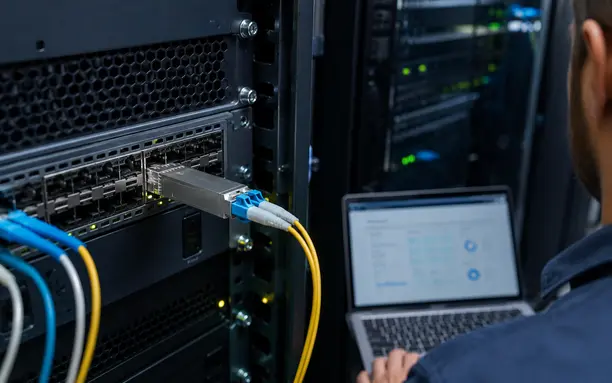
For a new deployment, test a representative sample in the actual host equipment and cable plant before approving a volume order. Record the recognized part information, transmit and receive power, temperature, link stability, error counters, and results after a reboot or reinsertion. A controlled pilot helps catch firmware, coding, polarity, and optical-budget issues before rollout.
Common SFP Selection Mistakes
- Choosing by distance alone: reach does not confirm speed, wavelength, fiber, connector, or host compatibility.
- Assuming physical fit means interoperability: a module can enter the cage and still be unsupported electrically or by firmware.
- Mixing single-mode and multimode components: the optics and installed cable must form a supported channel.
- Using identical BiDi modules at both ends: most BiDi links need complementary transmit and receive wavelengths.
- Ignoring the full loss budget: connectors, splices, patch panels, and aging margin all consume optical power.
- Skipping end-face inspection and cleaning: contamination can add loss and create an unstable link even when every part number is correct.
- Ordering without a host model: compatible coding and platform validation depend on exact equipment details.
If a deployed module is not working, first verify seating, port configuration, module recognition, fiber polarity, connector cleanliness, matching wavelengths, and received optical power. SHENGWEI also publishes a practical guide to common SFP module failures for additional troubleshooting context.
Frequently Asked Questions About SFP Modules
Can I use an SFP module in an SFP+ port?
Sometimes, but not universally. The host port must explicitly support the lower speed and the specific module type, and the port may require manual speed configuration. Check the equipment support matrix rather than relying on the shared physical shape.
Do the SFP modules at both ends have to be the same brand?
They do not necessarily need the same brand, but they must implement compatible optical interfaces and each module must be supported by its own host device. Match the data rate, Ethernet standard, fiber type, wavelength behavior, and optical budget at both endpoints.
What is DDM or DOM in an SFP transceiver?
Digital diagnostic monitoring can report operating measurements such as temperature, voltage, laser bias, transmit power, and receive power. Available values and thresholds depend on the module and host. DDM helps with commissioning, preventive maintenance, and troubleshooting, but it does not replace optical testing or a correct link-budget calculation.
When should I choose a BiDi SFP module?
Choose BiDi when a link must transmit in both directions over one fiber strand and the equipment, budget, and wavelength plan support it. Order complementary endpoint modules as a pair and document which wavelength combination belongs at each site.
How do I confirm a third-party SFP is compatible with my switch?
Provide the exact switch, line-card, software, and port details to the supplier, review the host vendor’s support policy, and test a sample under realistic conditions. Confirm that the host recognizes the module, the link remains stable, diagnostics are readable when required, and support implications are understood.
Build a Reliable Link from the Port Outward
The right SFP module is selected as part of a complete channel, not as an isolated component. Begin with the host port and network standard, then match the remote endpoint, fiber type, wavelength, connector, link budget, environment, diagnostics, and compatibility coding. This method reduces ordering errors and gives engineering and procurement teams a traceable basis for approval.
Explore SHENGWEI’s fiber optic transceiver portfolio to review available SFP, SFP+, SFP28, QSFP+, and QSFP28 product families. Confirm all final specifications against the selected product data sheet and target host platform.
Need Help Choosing the Right SFP Module?
Share your switch model, required speed, fiber type, link distance, connector, operating environment, and quantity with SHENGWEI. The team can help identify suitable transceiver options for technical evaluation.